
Today in this post I will tell you how you can do video chat in Facebook. Facebook is the largest social networking website with more than 800 million users, where people connect with their old/new known/unknown friends/relatives. You post, comment, like on their wall/timeline, share pictures, videos, etc., send private massages, pokes, chat with them, etc.
Advertisement
Close to play
Advertisement
Close to play
Before to do audio-video chat you may need service like Skype, GTalk, Y! Messenger, etc. but now Facebook has partnered with Skype and brought audio-video chat into Facebook. So if you would like to have a face-to-face chat with your friends and relatives
- Open Facebook and login to your account
- Click on the person’s icon with whom you want to have face to face chat
- Now in chat box you will see a video camera icon, click on it
- Now they will ask you to install a software in your computer click on Install button
- Now a software will get download in your computer, after download complete install it in your computer
- After that software get installed, again click on that video camera icon
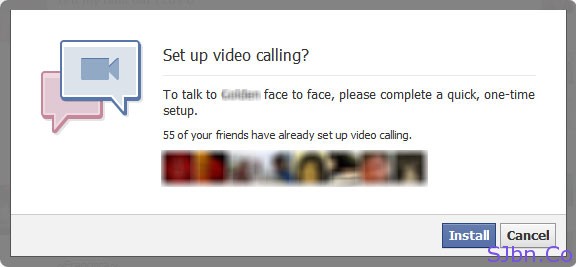

Now if that person also has this software installed in his/her PC then he/she will receive a call from you on Facebook.

Or will be asked to install it.

